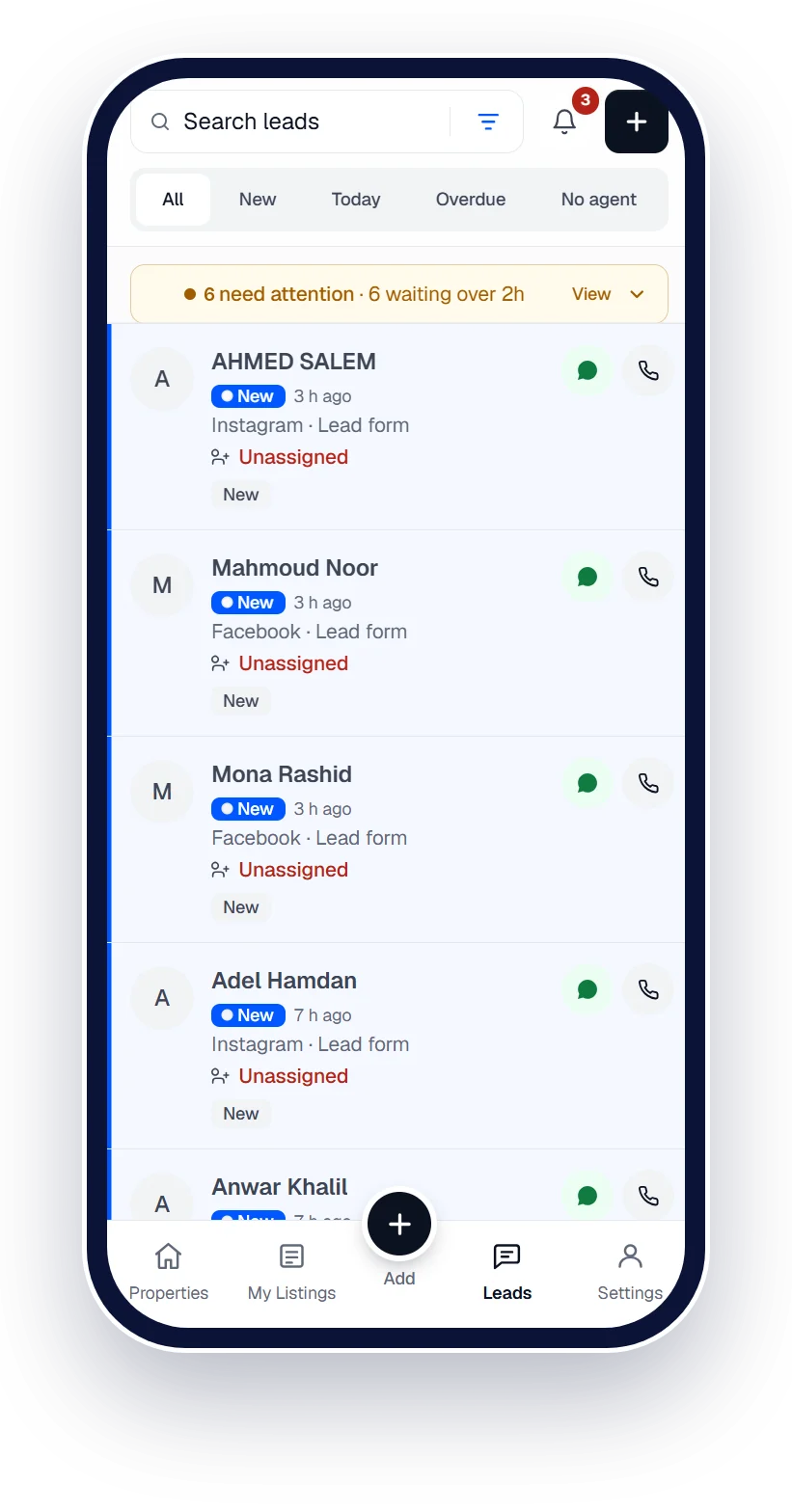
Add the property once. Publish it everywhere.
One inventory for the agency, published to Property Finder, Qatar Living and Property Oryx without retyping.




 Works with Qatar's portals and Meta lead ads
Works withPublishes to the portals · Captures leads from the ads
- Property Finder
- Qatar Living
- Property Oryx
- Facebook
- Instagram
- WhatsApp
- Property Finder
- Qatar Living
- Property Oryx
- Facebook
- Instagram
- WhatsApp
Listing management
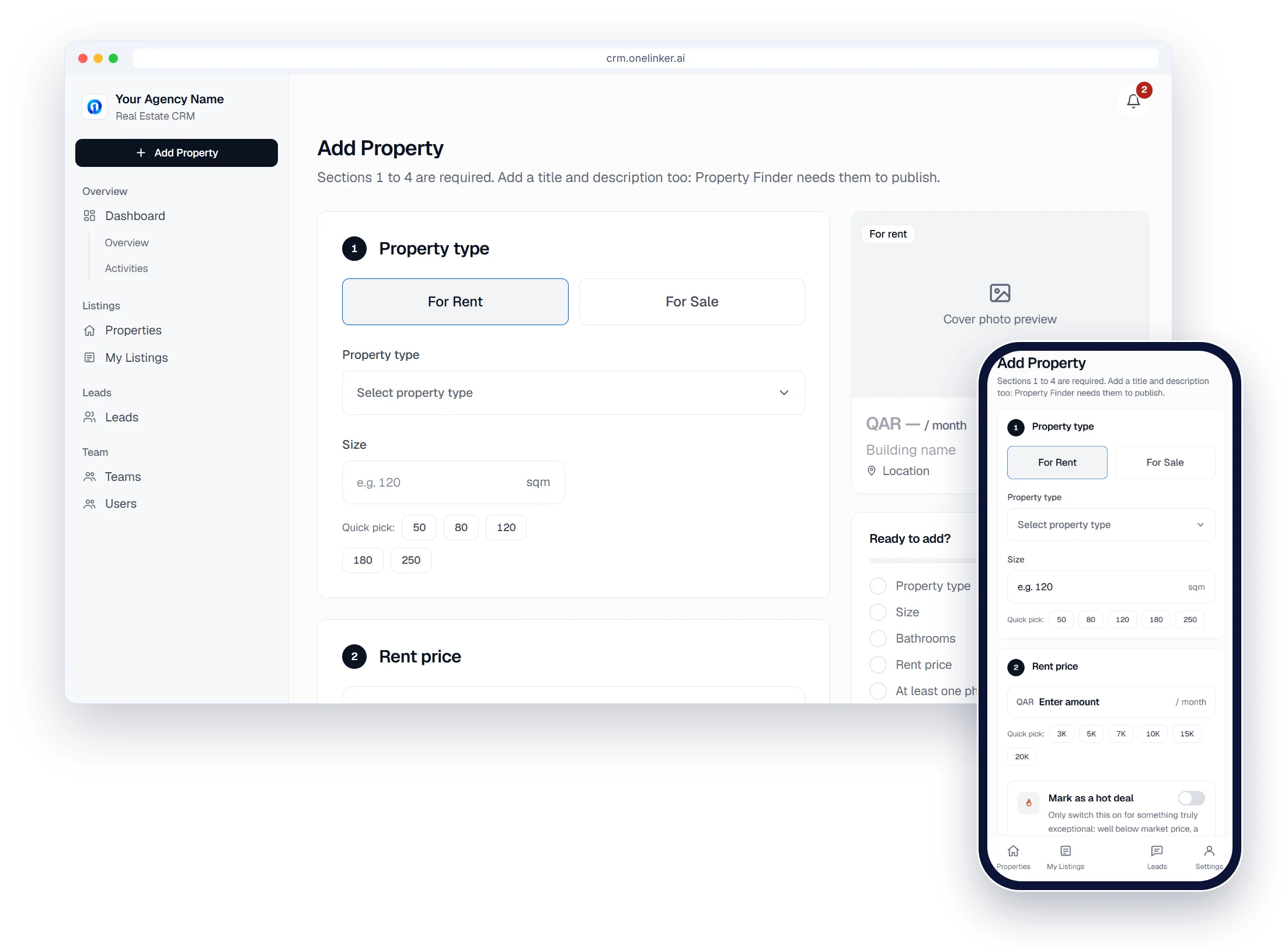
Add it once, from any screen
Six short sections; 1 to 4 are required. The same form works on the phone, so agents can list from a viewing.
- Quick picks for size and price
- Locations from Property Finder's list, so every portal recognises them
Listing management
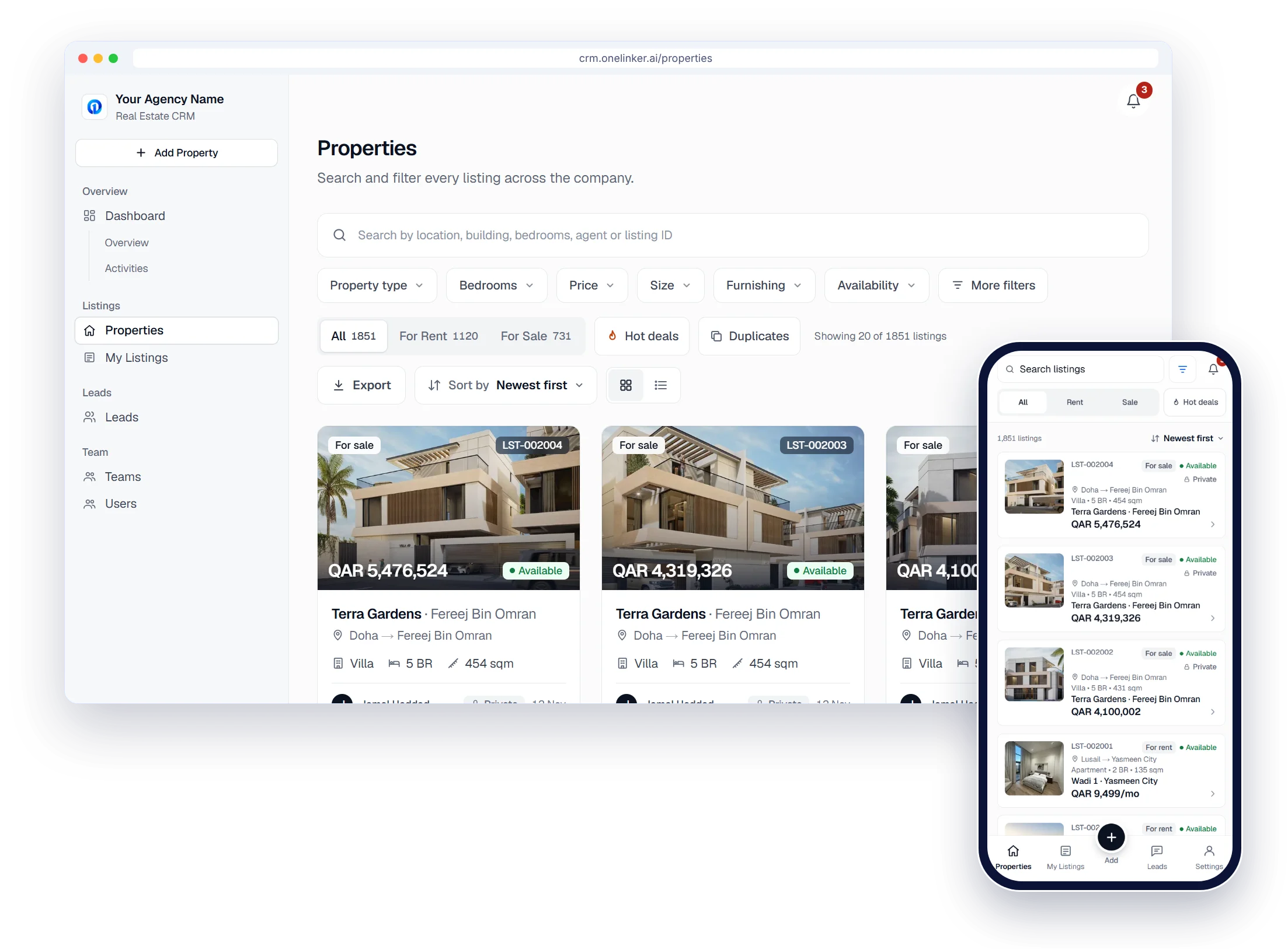
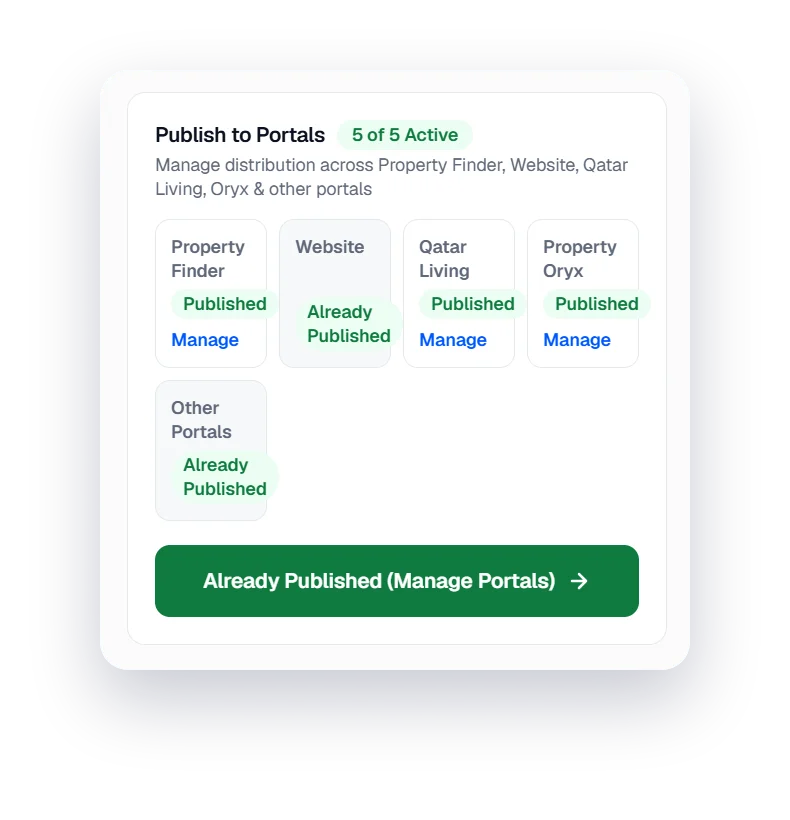
Publish to every portal
Property Finder directly; Qatar Living, Property Oryx, other portals and your own website through feeds.
- A status for every portal on every listing
- Published under the right agent's profile
Property Finder · Qatar Living · Property Oryx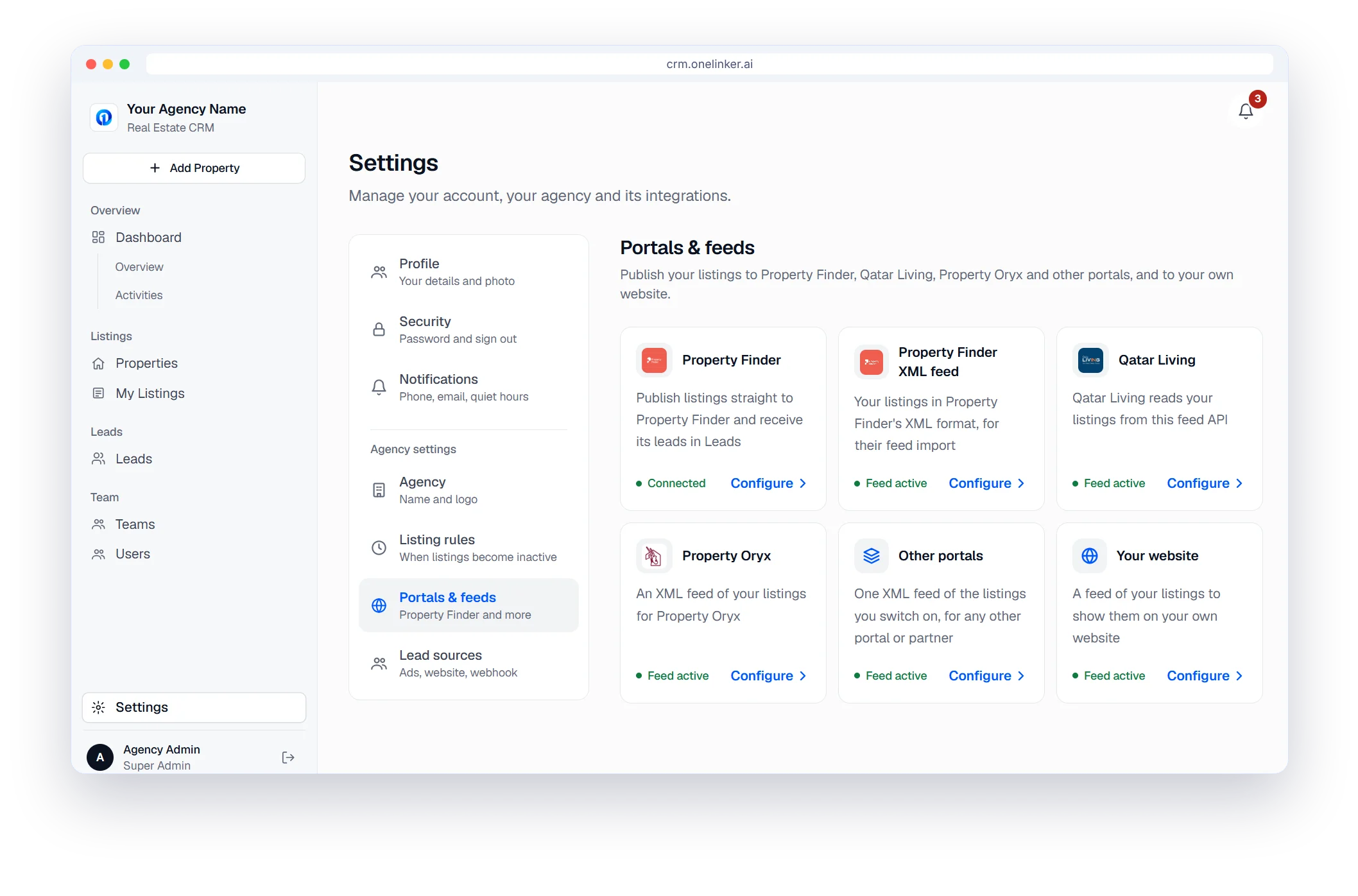
Listing management
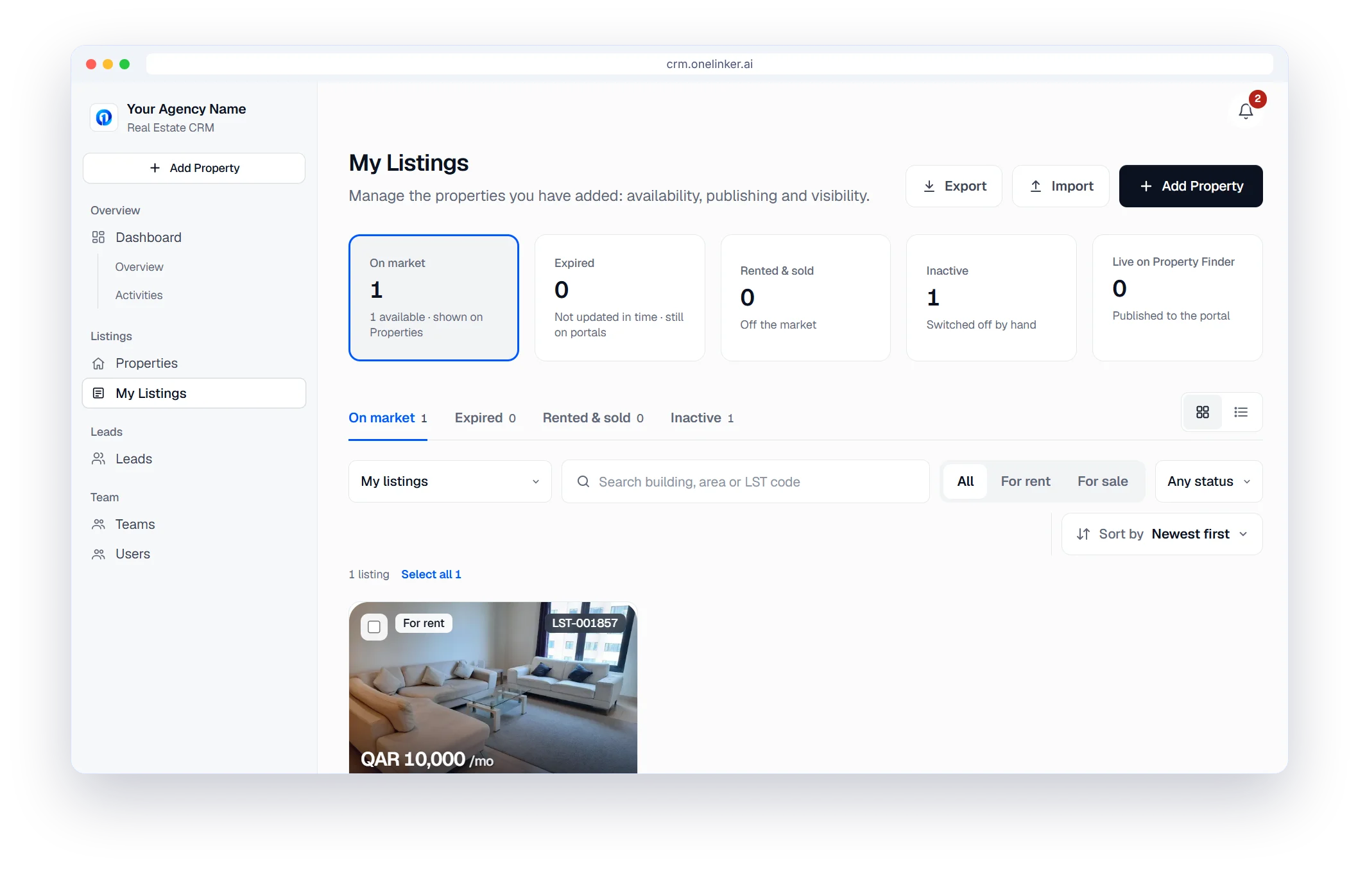
Every agent's listings, kept fresh
My Listings shows what each agent has added: On market, Expired, Rented & sold and Inactive.
- A listing nobody updates becomes inactive in the CRM after the days you choose
- It stays live on the portals and your website
- Import, Export and bulk select
Listing management
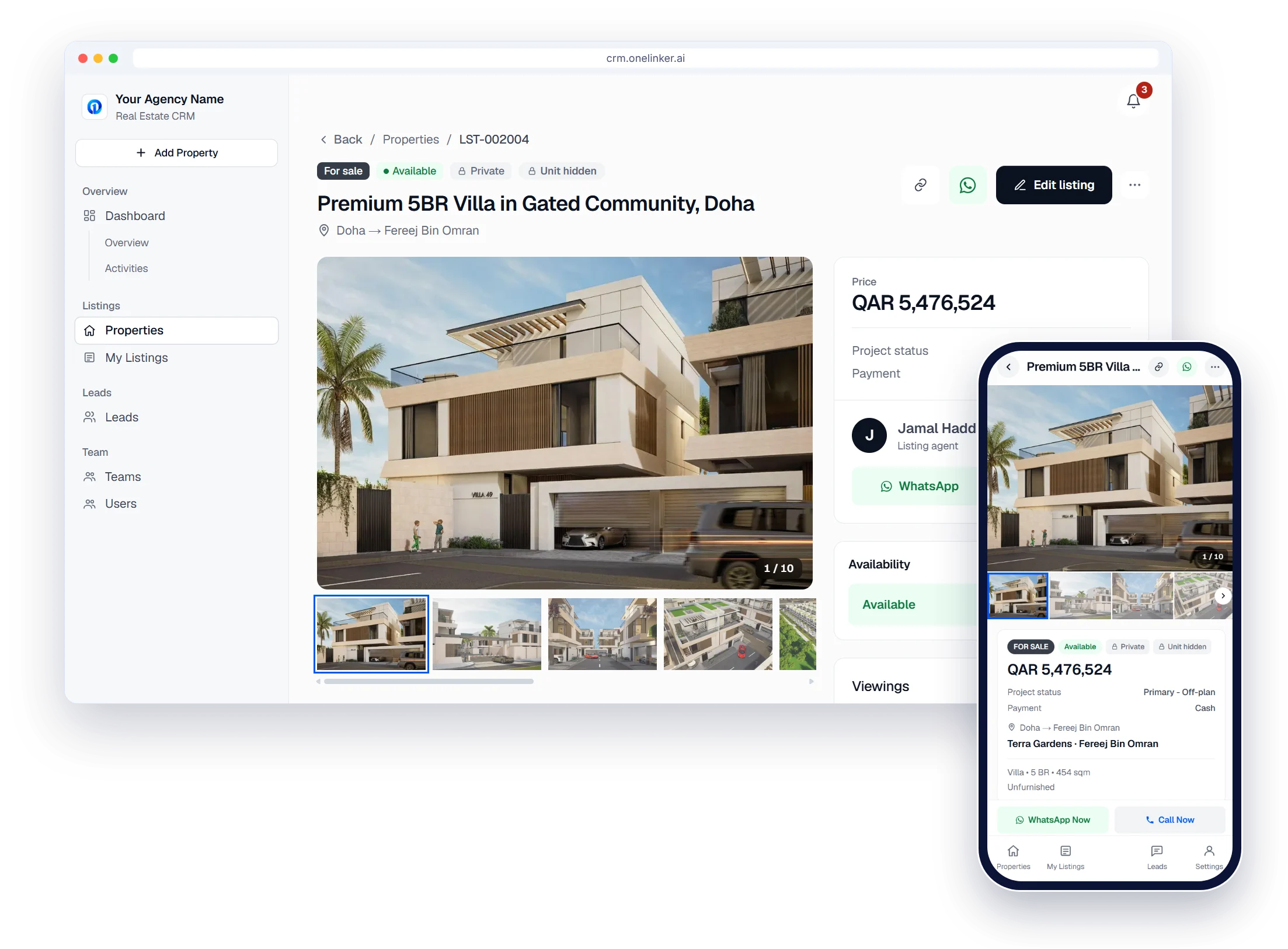
Share it with clients
The listing page has photos, price and availability, with WhatsApp and Call buttons. The unit number stays private unless the agent shares it.
The setup path
Six steps from sign-up to your first published listing
- 1
Create your account
Sign up with your company details. It takes about two minutes.
- 2
Brand your agency
Add your agency name and logo.
- 3
Add your team
Invite agents, set their roles and build your teams.
- 4
Connect portals
Property Finder, Qatar Living, Property Oryx and your website.
- 5
Connect lead sources
Meta lead ads, Google Ads, your website form and WhatsApp.
- 6
Publish and follow up
Add listings, publish them, and work every lead.
Questions, answered.
Which portals can I publish to?
Property Finder directly, Qatar Living and Property Oryx through ready feeds, and any other portal that accepts an XML feed.
Can clients see my private owner details?
No. Owner details stay inside your agency. Share links show only what you choose to share.
How many photos can a listing have?
Up to 25 photos per listing.
Can I send a listing to a client?
Yes. Send a clean link to the property. Your client opens it with no login.
How do I try it?
Start the free trial, create your agency account and add your first property. No credit card is needed.
Start your free trial
Your listings on every portal and every lead in one inbox, set up in minutes.
- Free trial
- No credit card
- Set up in minutes